This is general information, not tax, legal or financial advice.
A client says yes, and it is tempting to dive straight into the work. But the first few days of a project decide a lot: whether you have what you need, whether you and the client mean the same thing by "done", and whether small requests turn into a much bigger project.
A simple onboarding routine fixes most of that. Here is a checklist you can follow for every new client, in the order things usually happen.
Before you say yes
Onboarding starts before the project does. Before you commit, check that the project is a good fit:
- Do you understand what the client wants, in their own words?
- Is the budget realistic for the work?
- Is the timeline realistic, including time for their feedback?
- Has anything in your conversations felt off, such as pressure to start before anything is agreed, or vague answers about payment?
If something feels wrong, trust that feeling and ask about it. Our free 16 Client Red Flags checklist lists common warning signs, from scope creep to payment scams, each with a calm way to respond.
Agree the scope in writing
Before any work starts, write down what you will deliver. Be specific. "A new website" can mean very different things. "A five page website with a contact form, built from the client's existing logo and copy" is clearer.
Your written scope should cover:
- Each deliverable, described clearly
- What "done" looks like for each one
- How many rounds of revisions are included
- What is not included
- The timeline, including when you need things from the client
- The price and payment terms
Ask the client to confirm it in writing. A simple reply saying "yes, that matches" is a good start.
If you are still building the quote, our free project quote calculator lets you list each deliverable as a line item with hours, apply your rate, and add a buffer.
Send a welcome message
Once the client has agreed, send a short welcome message. It should thank them, confirm the next steps, and tell them what you need from them and by when. This message often becomes the one the client refers back to, so keep it clear.
Collect what you need
Most project delays come from waiting on the client: logins, files, brand assets, content, or decisions. Make a list of everything you need, who on their side owns each item, and when you need it. Then send it in one go rather than asking piece by piece. If you are not sure what to ask, our guide to the client intake questionnaire lists the questions worth sending a new client before work begins.
When it comes to access, ask to be added as a user on the tools you need rather than being sent a shared password. It is safer for the client and makes it easy to remove your access at the end.
Run a focused kickoff call
A kickoff call does not have to be long. A good one:
- Confirms the goal of the project and how success will be judged
- Walks through the scope and timeline
- Agrees how you will communicate and how often you will send updates
- Names who on the client side gives feedback and makes final decisions
- Lists open questions and who will answer them
Send a short recap after the call. It is the easiest way to avoid "I thought we agreed..." later.
Plan the first week
The first week is when the client decides whether they made a good choice. Aim to show a visible result early, even a small one: a first draft, a plan, or a set of options. Send a short update at the end of the week covering what was done, what is next, and anything you are waiting on.
Agree how changes will work
New requests are normal. The problem is when they are added without anyone noticing the extra time. Agree upfront that new requests will be written down, estimated, and confirmed before you start them. When a request comes in, the free scope change cost estimator helps you price it quickly and calmly.
Set up your own records
While the project is fresh, set up a simple record of it: the client's details, the agreed scope and price, key dates, and a place to log hours and invoices. A spreadsheet or a notebook both work. We are also preparing a paperback Client and Project Log Book, which is not available to buy yet.
Plan the ending from the start
Good onboarding includes thinking about offboarding. Note what you will hand over at the end, which accesses will need to be removed, and when you might ask for a testimonial. The Client Offboarding and Testimonial Kit covers that last stage with a handover checklist and message scripts.
The checklist, in one place
- Check fit before you say yes
- Agree scope, price, and terms in writing
- Send a welcome message with next steps
- Collect access, files, and decisions in one request
- Run a short kickoff and send a recap
- Show a visible result in the first week
- Agree how changes will be handled
- Set up your project records
- Note what the handover will include
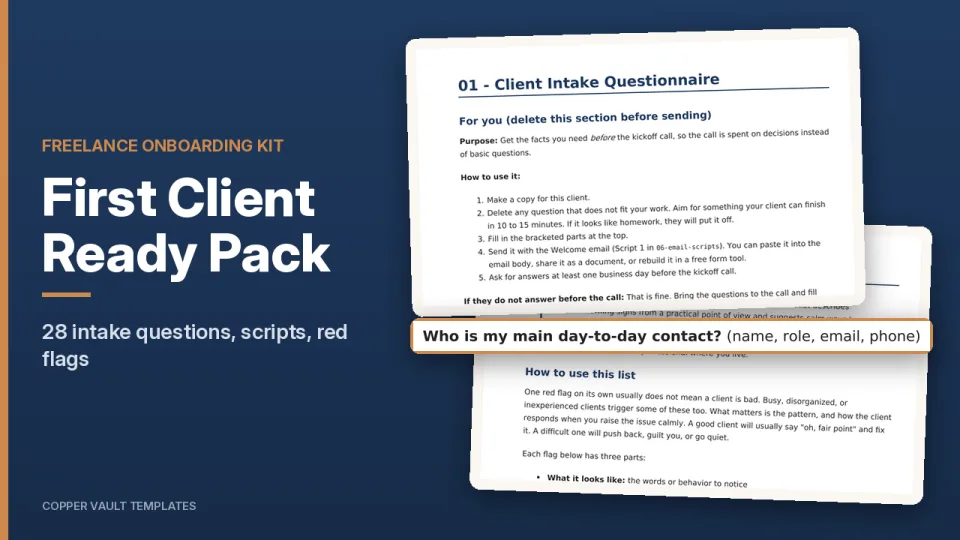
If you would rather not build all of this from scratch, the First Client Ready Pack includes an intake questionnaire, an access checklist, a definition of done worksheet, kickoff agendas, a first week plan, and five email scripts, all editable. Whatever you use, the key is to follow the same steps for every client, so each project starts calm and organized.
This is general information, not tax, legal or financial advice.
More posts from the blog · All templates and kits · Gifts and apparel · Free tools
Related kits
Freelance onboarding kit
First Client Ready Pack
8 editable templates in PDF, Word, and Markdown to take your first freelance client from yes to a smooth first week.
Freelance proposal kit
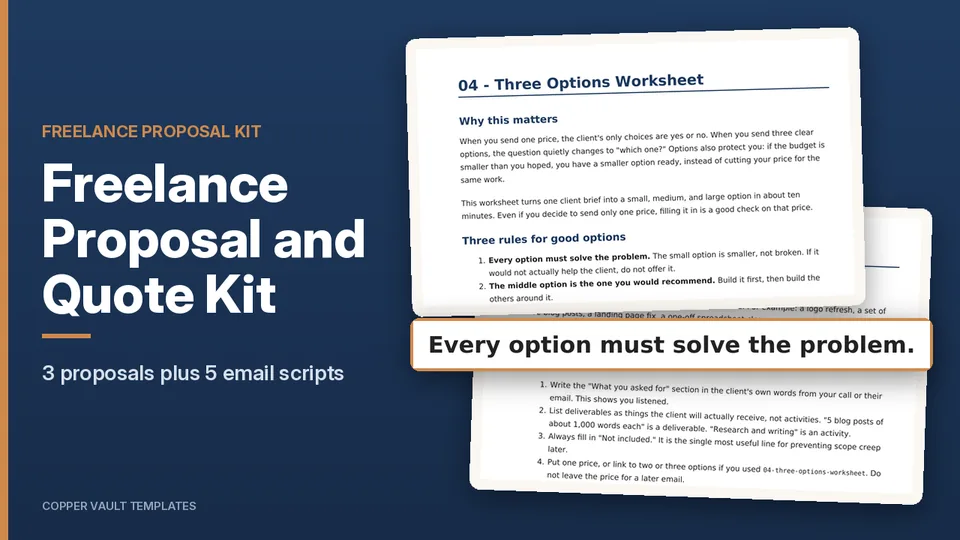
Freelance Proposal and Quote Kit
Plain proposal, quote, and retainer templates in PDF, Word, and Markdown, with a worked example and five follow-up emails.