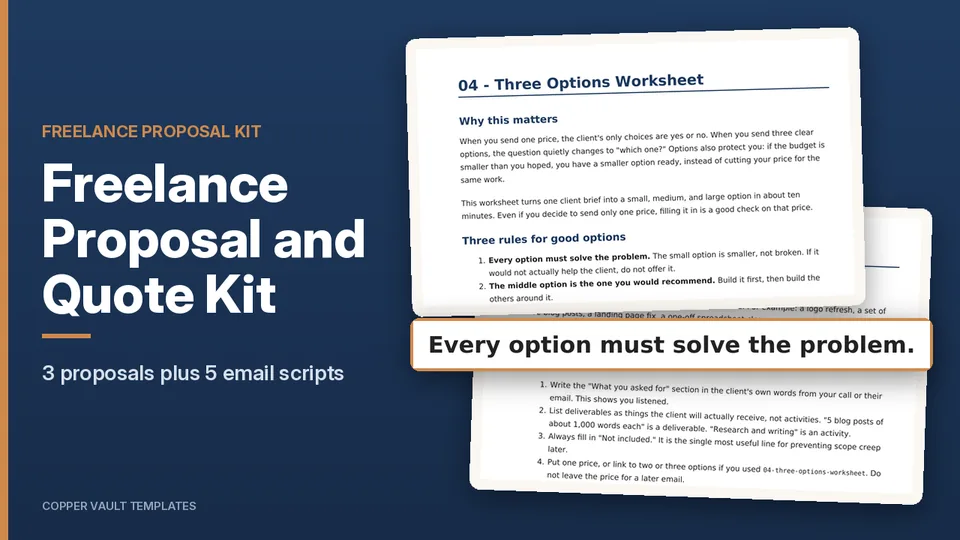
Freelance proposal kit
Freelance Proposal and Quote Kit
$15
Plain proposal, quote, and retainer templates in PDF, Word, and Markdown, with a worked example and five follow-up emails.
Free tool
Work out the hourly rate and day rate you need to reach your yearly income goal, with your business costs and tax set-aside included.
Estimates only, not financial advice.
The calculator first grosses up your target income for tax: if you want $60,000 after setting aside 25%, you need $60,000 divided by 0.75, which is $80,000. It then adds your yearly business expenses to get the revenue you need.
Next it multiplies billable hours per week by weeks worked per year to get your billable hours for the year. Revenue divided by billable hours is your hourly rate. Your day rate is the hourly rate times 8 hours.
With the example numbers ($60,000 income, $6,000 expenses, 25 billable hours a week, 46 weeks, 25% tax set-aside) you need $86,000 a year over 1,150 hours: about $74.78 an hour, or $598.26 a day.
Add your target income (grossed up for tax) to your yearly business expenses, then divide by the number of hours you can actually bill in a year. This calculator does those steps for you.
Much of freelance time goes to admin, sales, and learning that no client pays for. Pricing on billable hours makes sure the paid hours cover the unpaid ones.
It depends on where you live and how much you earn. Many freelancers set aside 25 to 30 percent, but check with a tax professional for your own situation.
The day rate is your hourly rate times 8 hours. If your working day is shorter, multiply the hourly rate by your own number of hours instead.
No. The calculator runs entirely in your browser. Nothing you type is stored or sent to us.
Estimates only, not financial advice. Check your numbers with a qualified professional for tax questions.
Freelance proposal kit
Plain proposal, quote, and retainer templates in PDF, Word, and Markdown, with a worked example and five follow-up emails.
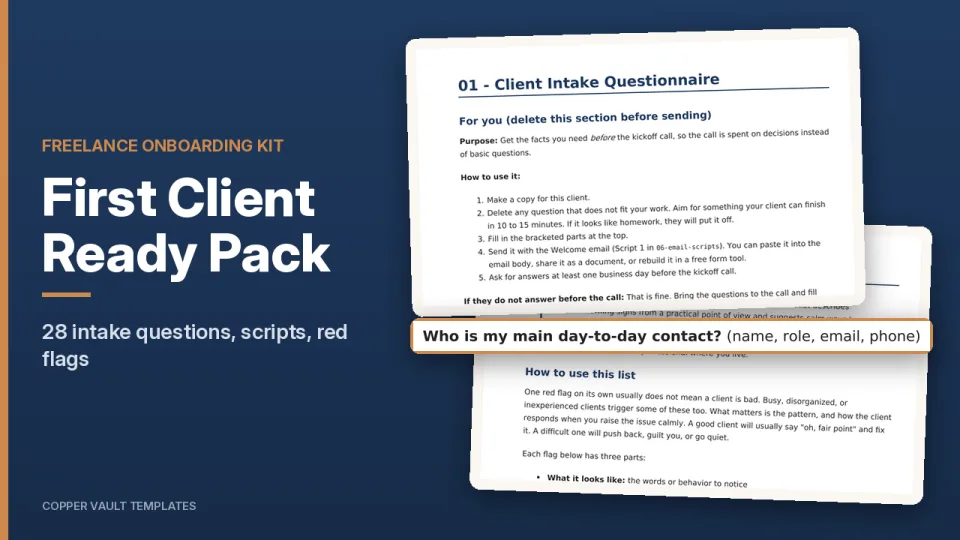
Freelance onboarding kit
8 editable templates in PDF, Word, and Markdown to take your first freelance client from yes to a smooth first week.
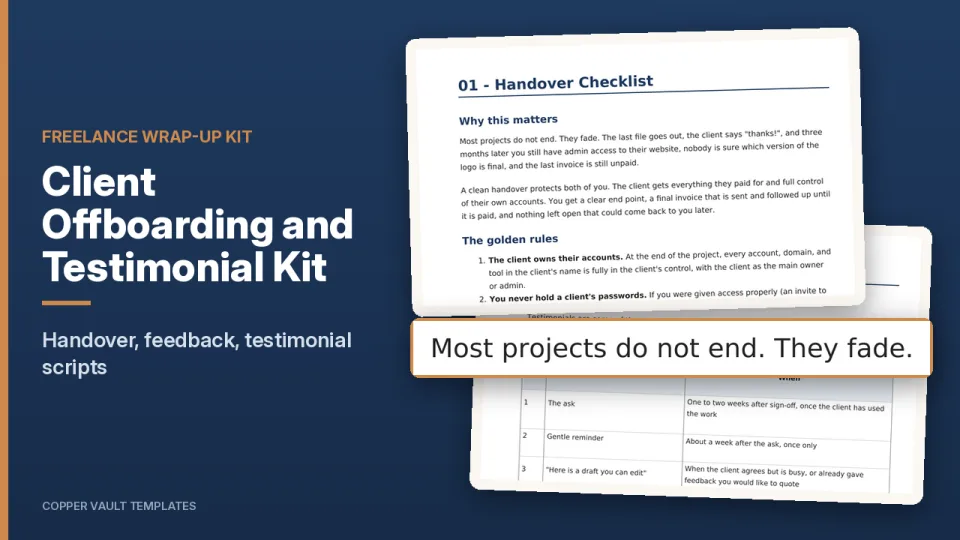
Freelance project wrap-up kit
Finish every freelance project cleanly: a handover checklist, a final delivery email with sign-off, feedback questions, honest testimonial and referral scripts, and a one-page case study template.
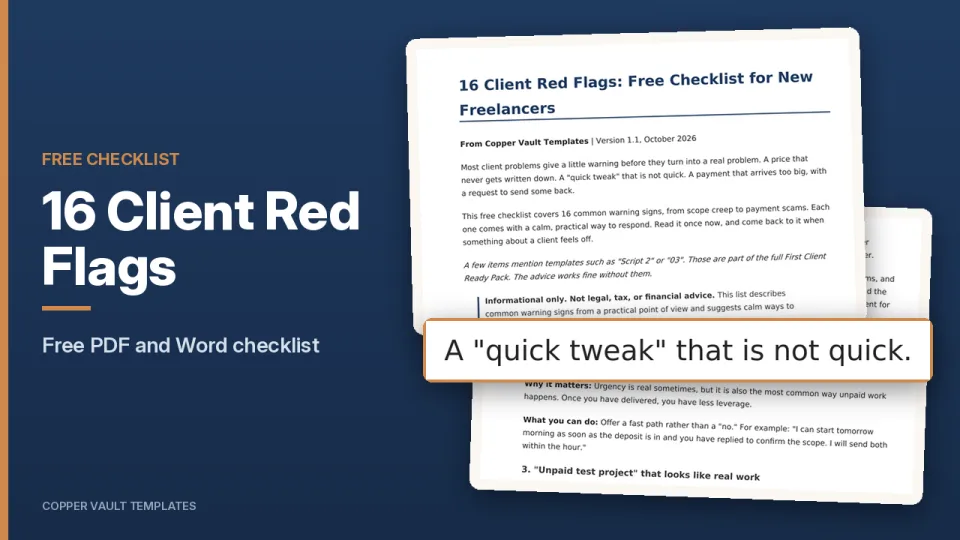
Free checklist
Rates and quotes go further with the right clients. This free checklist covers 16 common client warning signs, from scope creep to payment scams, each with a calm, practical next step.